Elevate's learning system combines an App Guide for product help with evidence-based health articles and video guides across nutrition, sleep, exercise, wellbeing and The Fifth Pillar.
What You'll Find Here
The learning system includes:
- App Guide: Product instructions and short video tutorials
- Health Articles: Evidence-based content on nutrition, sleep, exercise, and wellbeing
- Video Guides: Health learning in video form, with captions where available
- Embedded Citations: Scientific references within each article
- Rich Articles: Image galleries, audio narration and author profiles where available
- Read Tracking: See which articles you've read and which are new
- Advisor and Chat Integration: Ask the Advisor to find guidance or share an article with your community
App Guide
The App Guide explains how to use Elevate, from logging a measurement to planning meals or starting a voice conversation.
Open the App Guide
Tap the question-mark icon in the app header. Elevate opens the guide at a relevant category when your current screen has one, or at the App Guide home otherwise.
Browse or Search
Open a category to see its topics, or search using at least three characters. Written help remains available even if a related video cannot load.
Watch a Tutorial
Choose a video from Video tutorials to watch a product walkthrough. Captions follow the preference under Profile → Video Captions where a caption track is available.
Browsing Articles
Explore health topics relevant to your wellness journey.
Browse Knowledge Articles
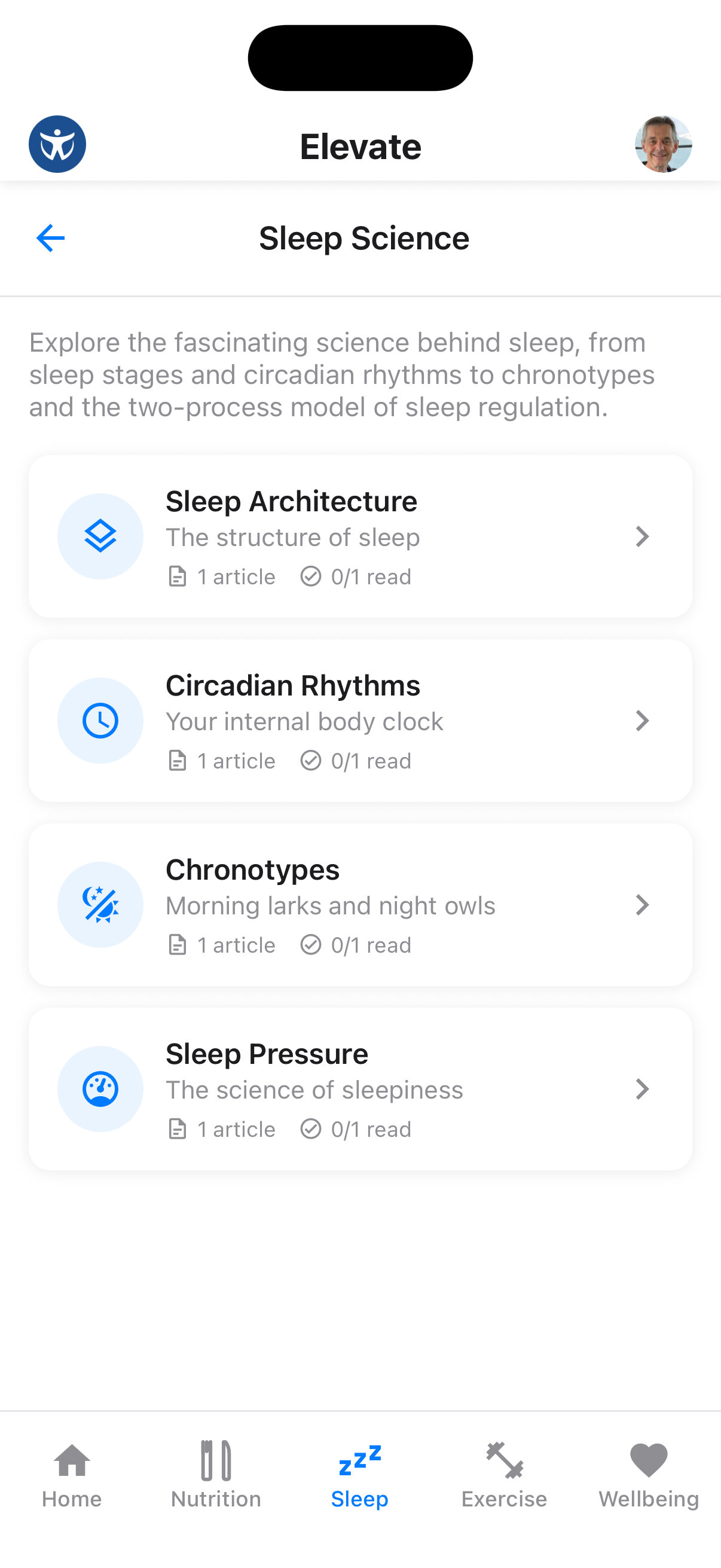
Access the Knowledge section to see available articles organized by topic. Unread articles are clearly marked.
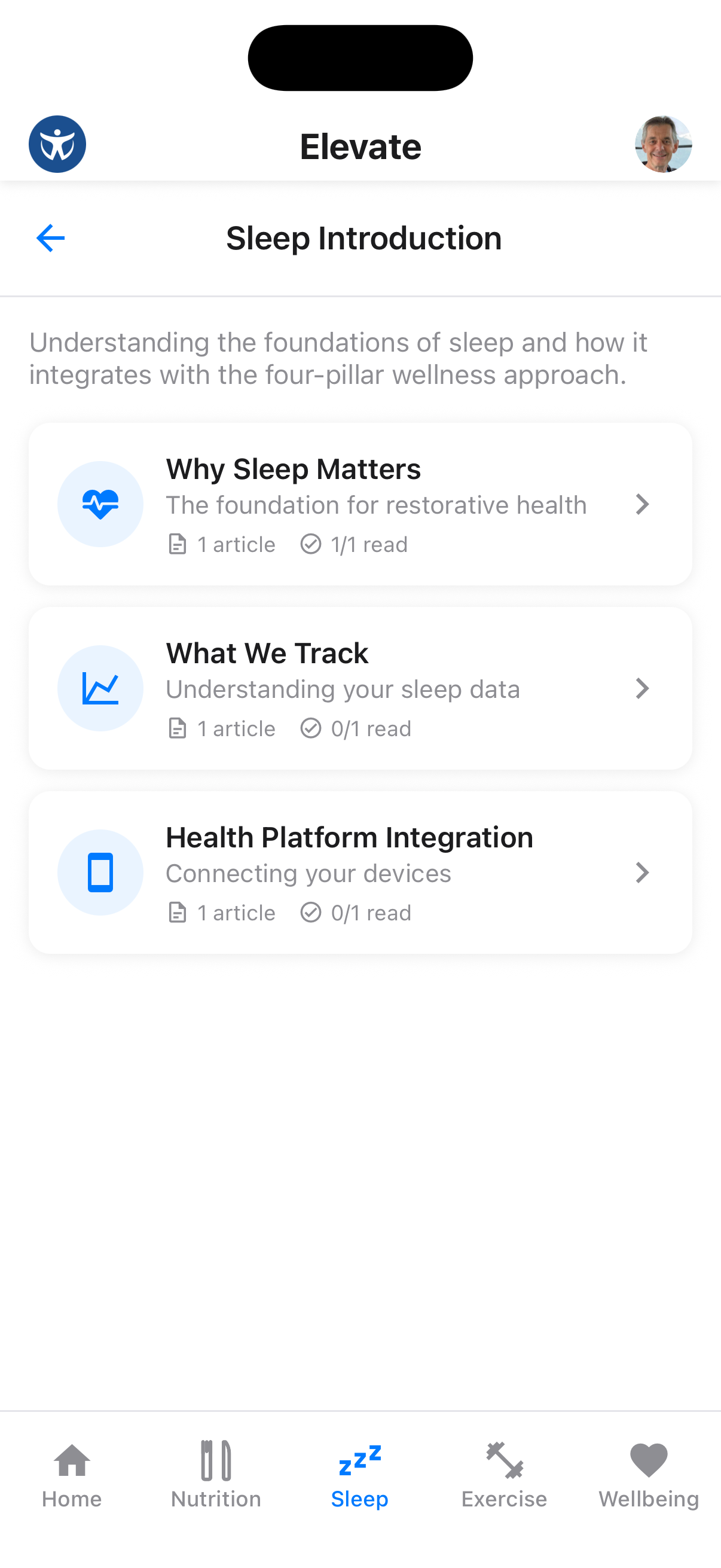
Read an Article
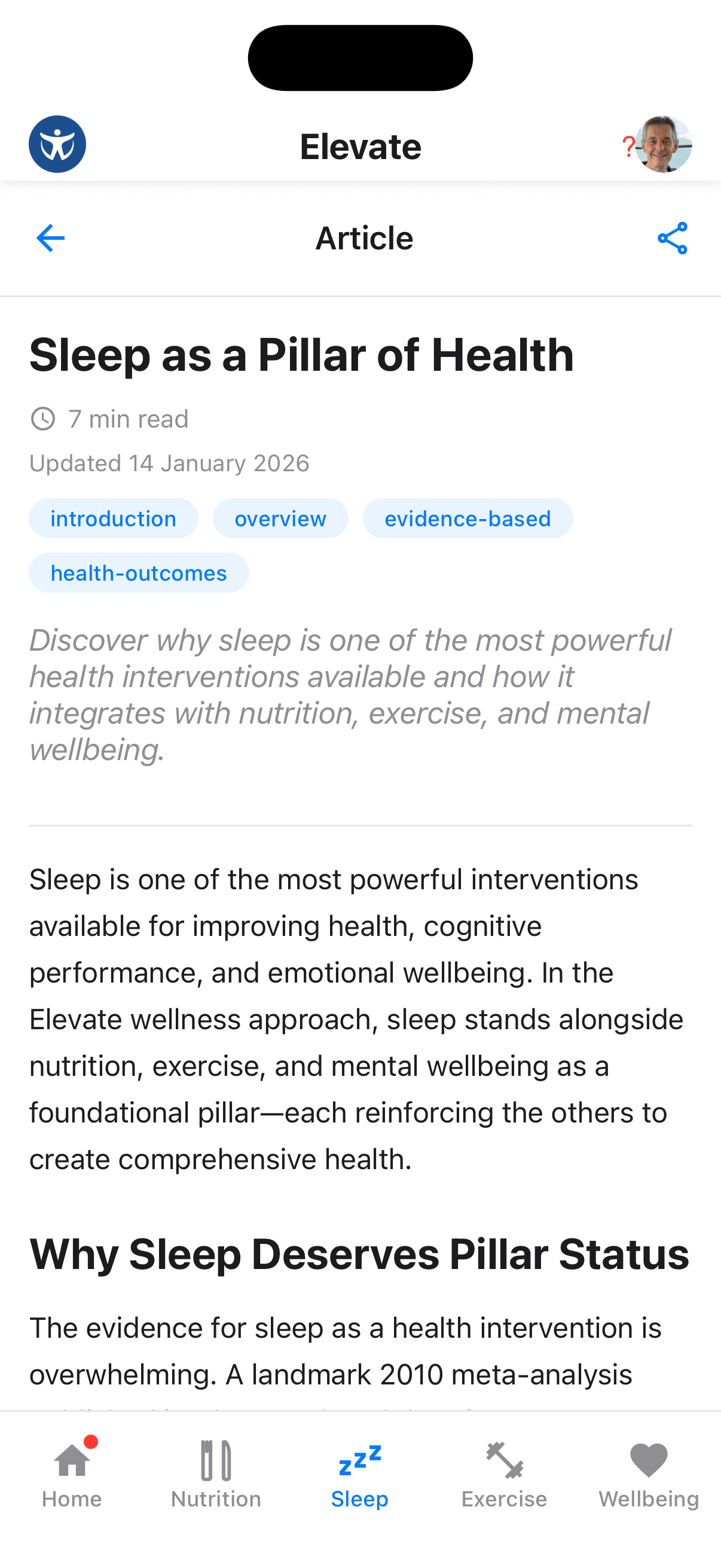
Tap any article to read the full content with supporting evidence and practical tips.
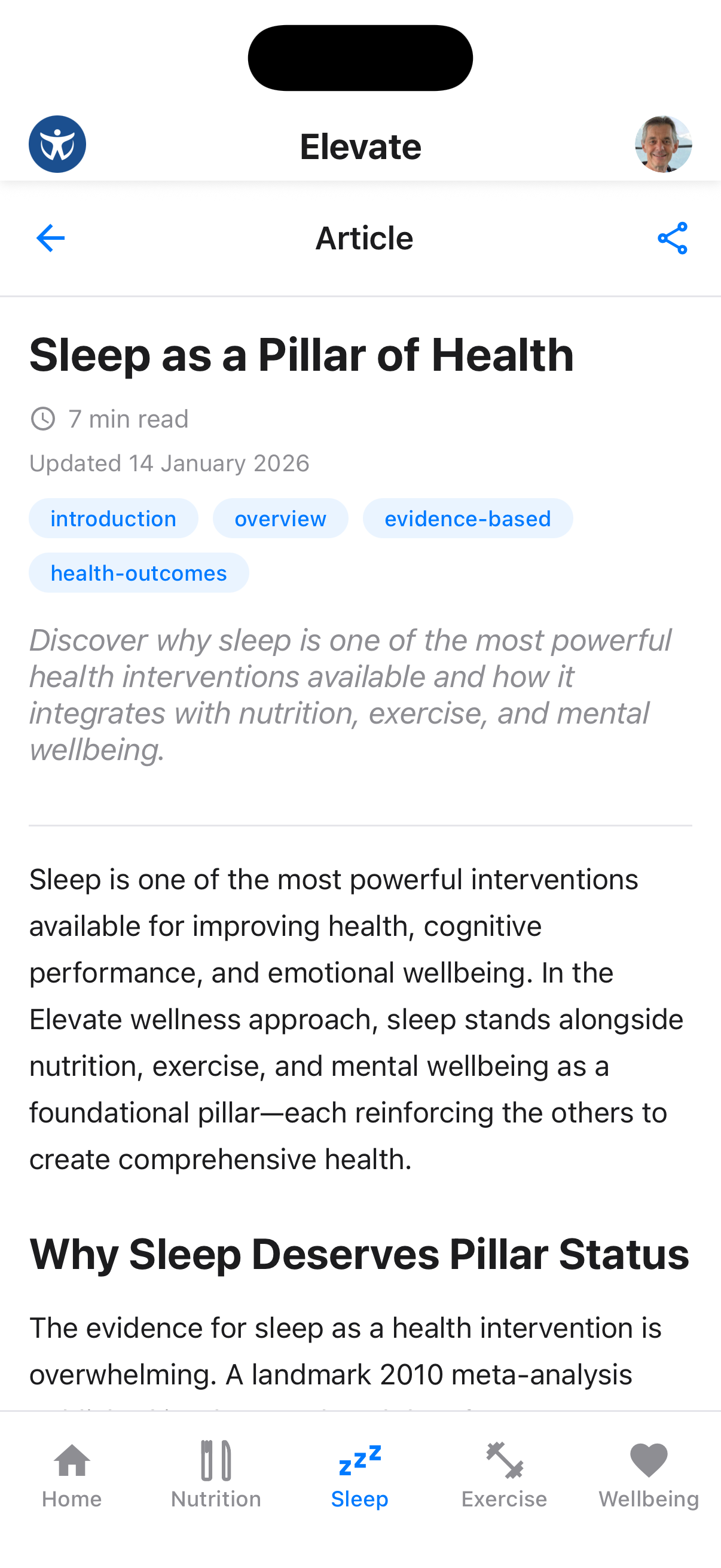
Track Your Learning
Articles automatically mark as read when you view them, helping you track your progress through the knowledge base.
Video Knowledge Guides
Health categories can include Video guides alongside their written topics. Open a video to watch it, then use its related article when you want the complete written detail and citations.
The AI Health Advisor can also find relevant App Guide tutorials and health videos. Try a specific request such as “find the video about What can I make?” or “show me guidance about improving sleep”.
Evidence-Based Citations
Every article includes embedded citations linking to scientific research.
View Citations
As you read, you'll see numbered citations embedded in the text, linking to research sources.
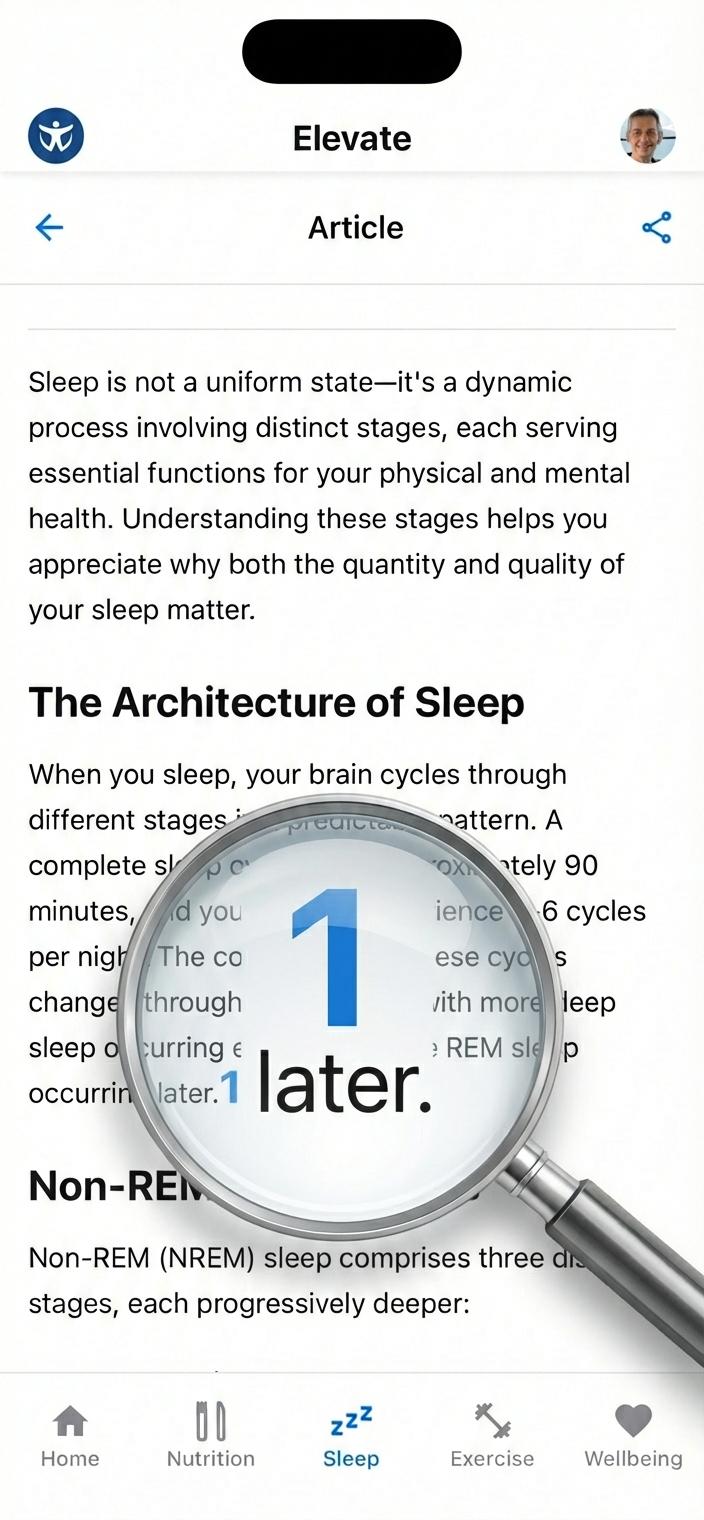
Explore Citation Details
Tap any citation to see the full reference, including the study title, authors, and publication.
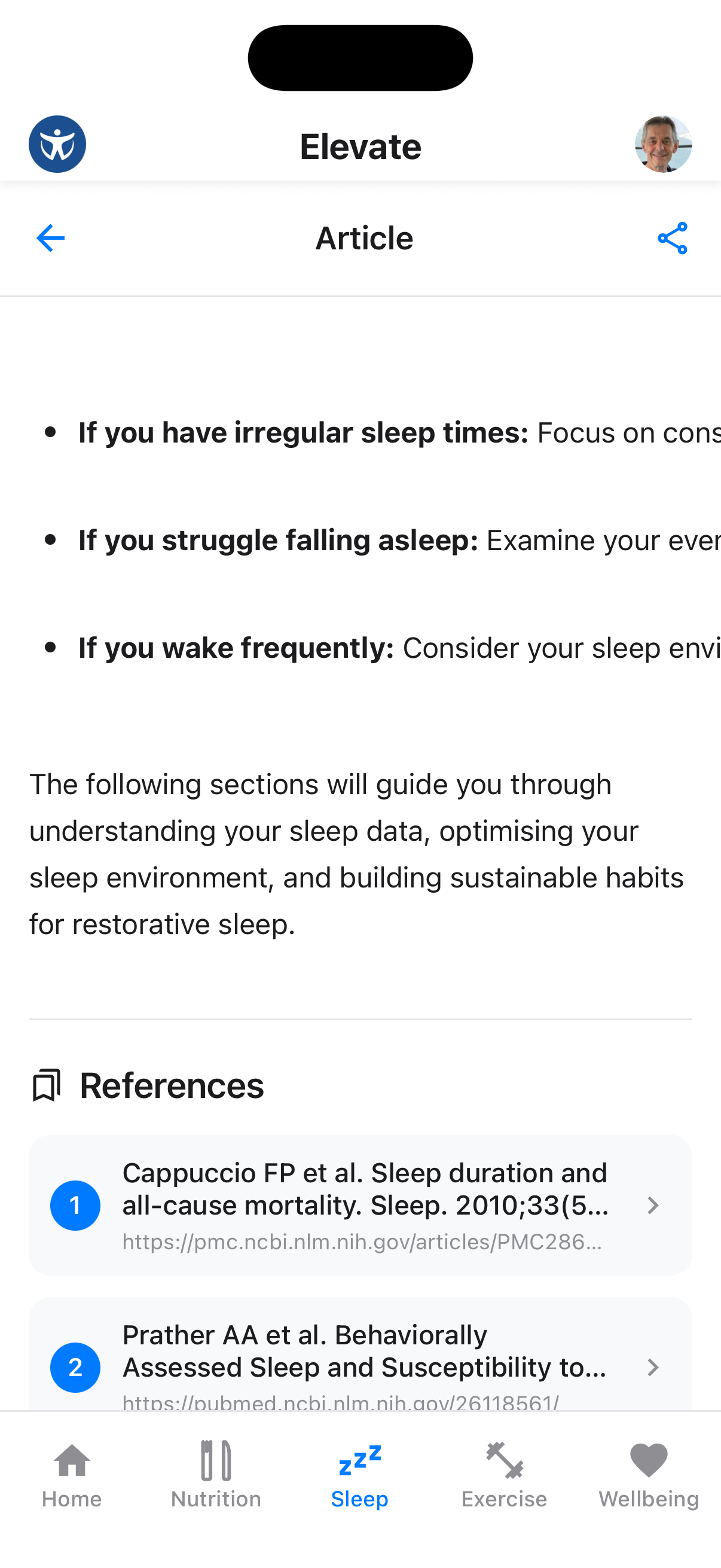
Evidence-Based Content
All Elevate knowledge articles are reviewed by health professionals and backed by peer-reviewed research.
Galleries, Audio and Authors
Some articles offer additional ways to learn:
- Swipe through an image gallery without leaving the article
- Use the audio player to listen to available narration and control playback
- Tap the author to learn about the person behind the guidance
- Open related videos connected to the current topic
These elements appear only when they have been published for that article.
Read Status Tracking
Keep track of which articles you've read.
Check Read Status
Unread articles are highlighted in the list. Once you read an article, it's marked as read.
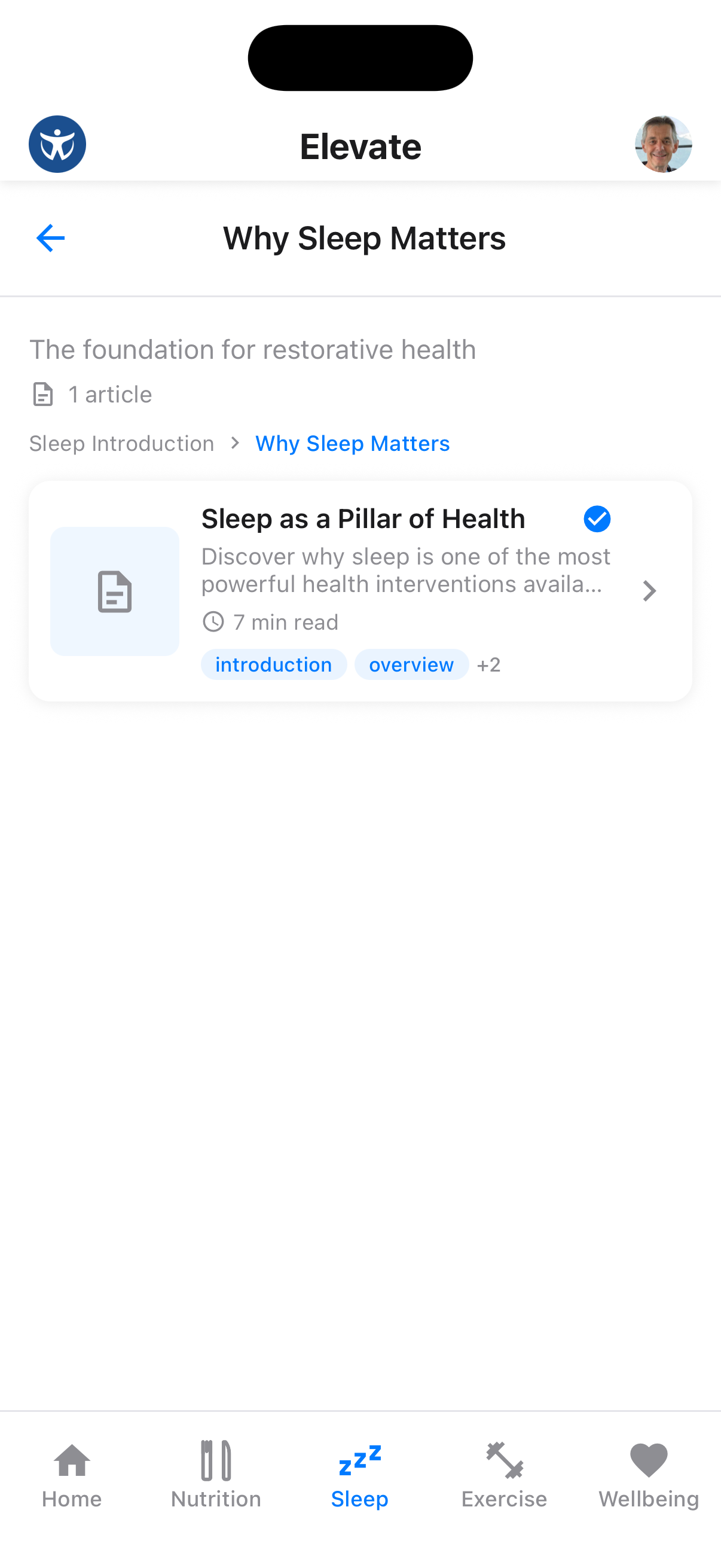
Stay Informed
New articles are added regularly - check back often to continue learning about health and wellness.
Sharing to Chat
Share valuable articles with your coaches and community.
Share an Article
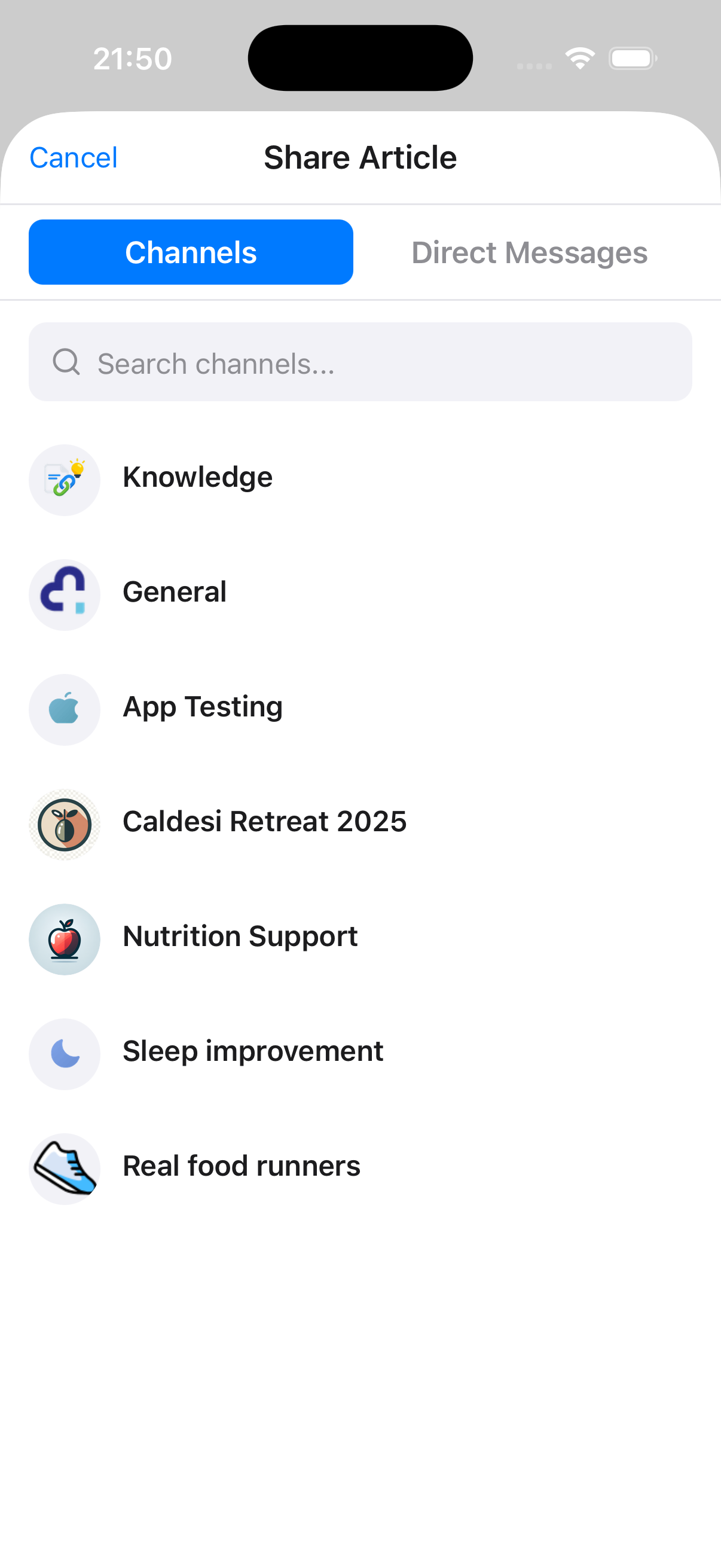
From any article, tap the share button to send it to a chat channel or direct message.
Select Recipient
Choose which channel or conversation to share the article with.
Add message to shared article
Add a note before sending so recipients understand why it matters.
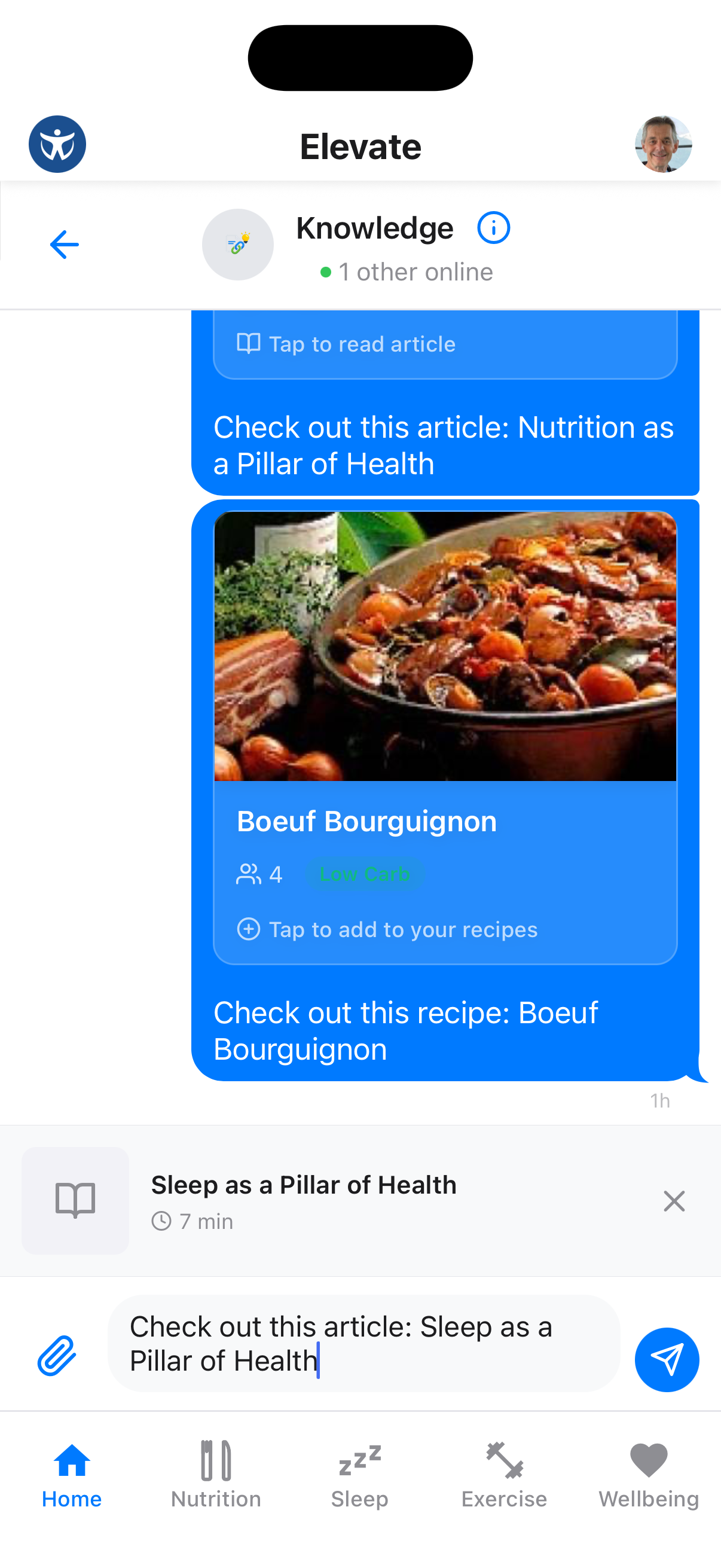
Article Appears in Chat
The article appears as a rich preview in the chat, allowing others to tap and read it.
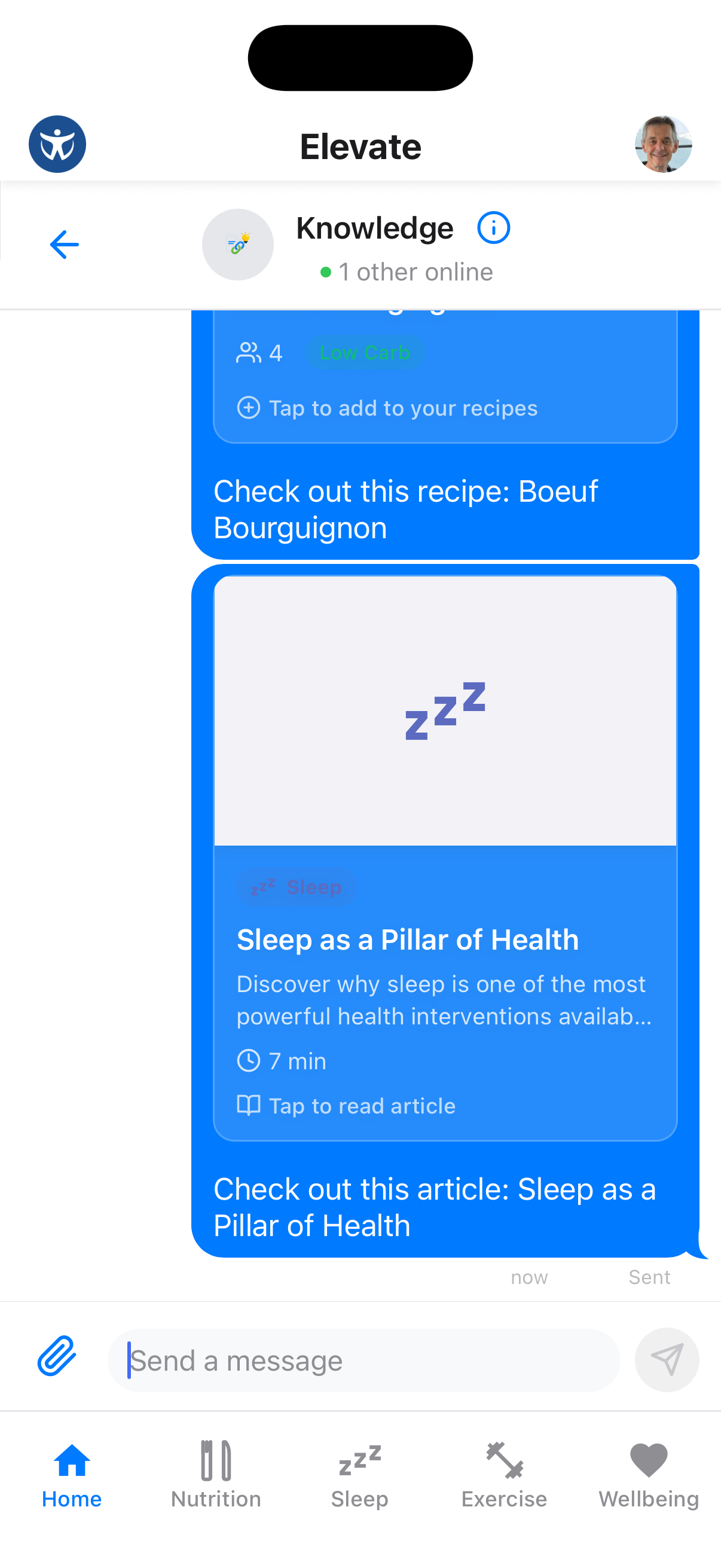
Start Discussions
Share articles with your coach to discuss how the information applies to your personal health goals.