The Home tab is your daily command center in the Elevate app, providing quick access to your weekly Health Score, community chat and health tracking.
What You'll Find Here
The Home tab provides quick access to:
- Health Score: Review your overall weekly score and the pillars that contribute to it
- Chat: Connect with coaches and community members
- Health Metrics: Track weight, glucose, blood pressure, waist-to-hip ratio, HRV, VO2 Max and more
Talk to Elevate
The Elevate logo and purple waveform in the app header open your AI Health Advisor. Use the logo for text chat or the waveform for Elevate Voice. See the AI Health Advisor & Elevate Voice guide for everything it can do.
Health Score
Your Health Score brings recent activity across Elevate's lifestyle pillars into one weekly view.
Review Your Weekly Score
Open the Home tab to see your overall Health Score and the latest contribution from each included pillar.
Choose the Pillars That Apply
In Profile, open Weekly Health Check to include or exclude individual pillars from your score. Excluded pillars do not lower the overall result.
A Guide, Not a Diagnosis
The Health Score is a wellness progress summary based on the information available in Elevate. It is not a medical assessment.
Chat Features
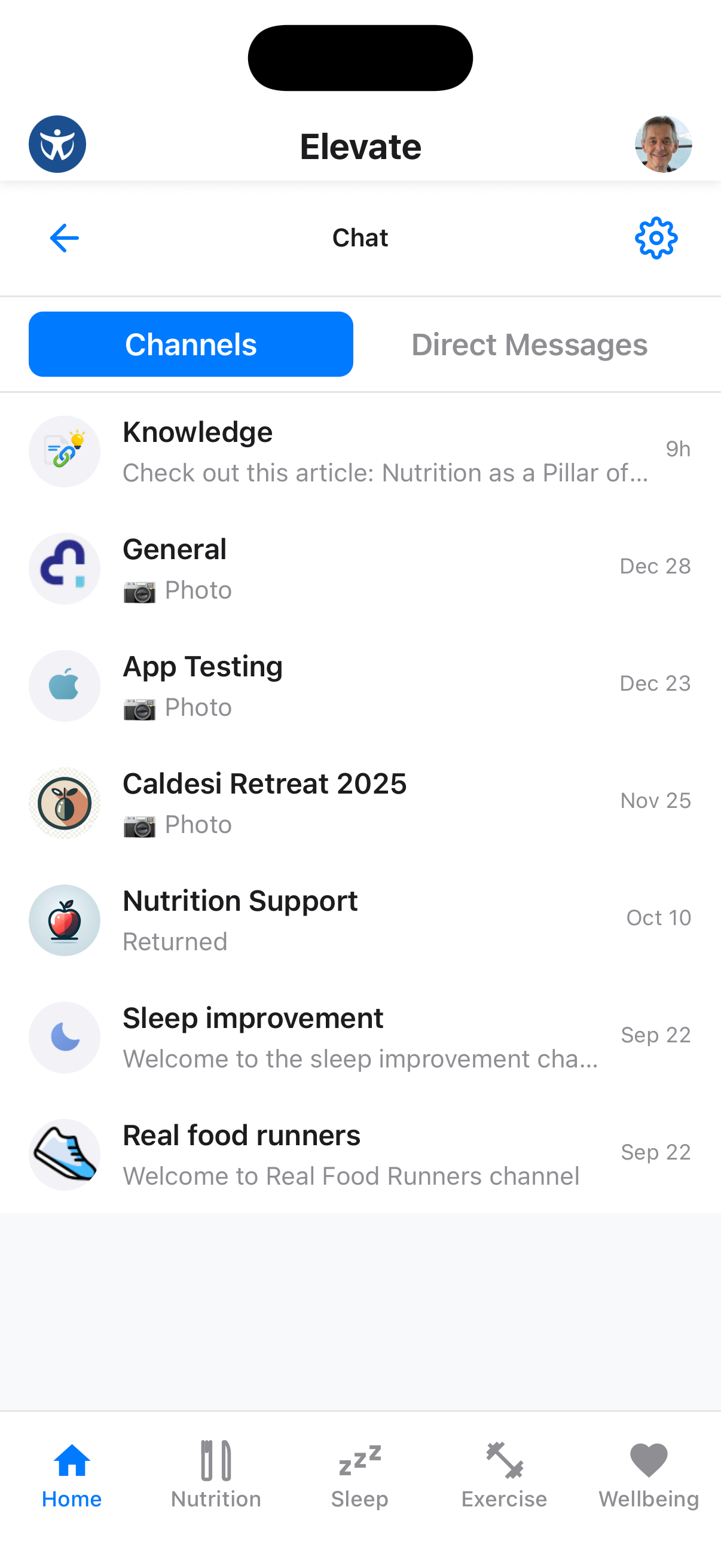
Stay connected with your health coaches and community through the integrated chat system.
Access Chat
From the Home screen, tap on the Chat section or the chat icon to view your channels and messages.
Send a Direct Message
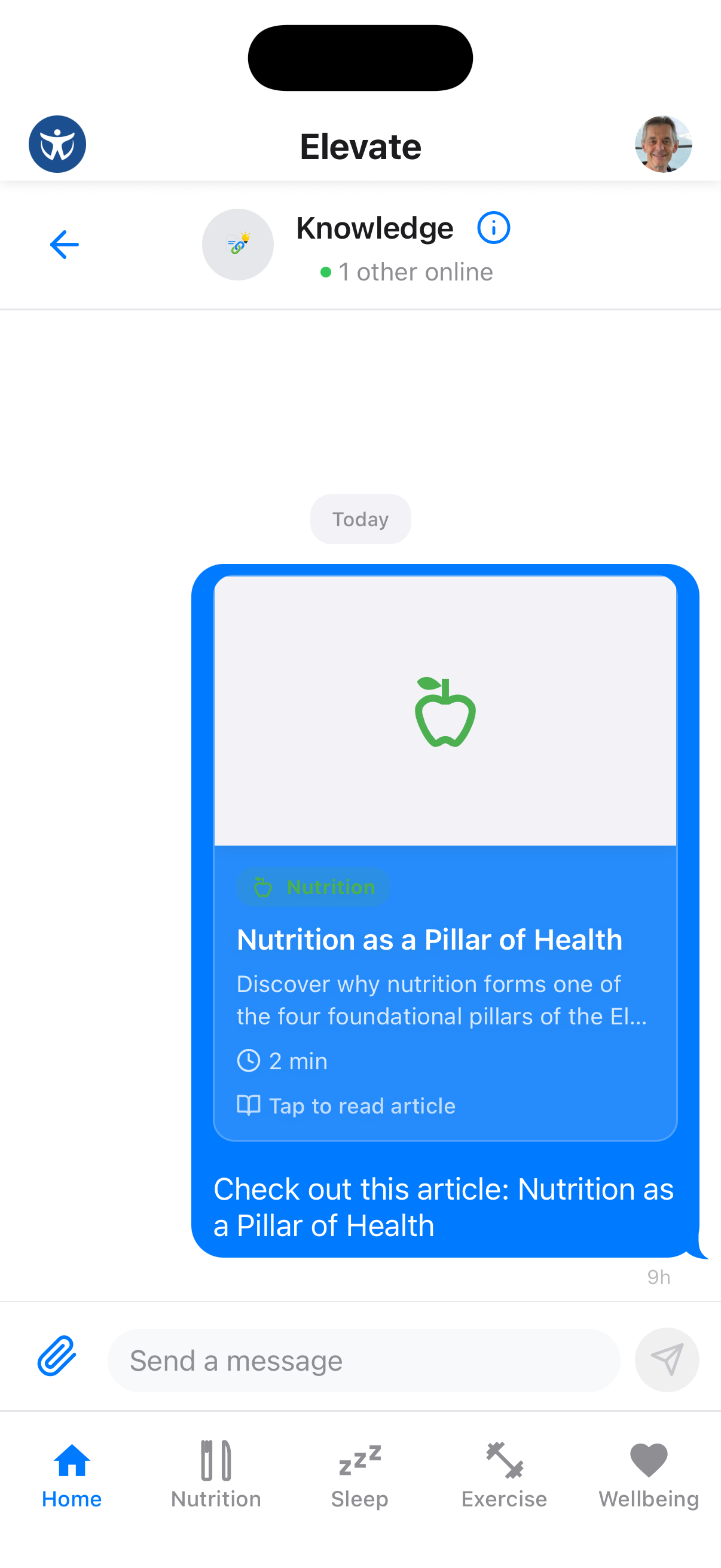
Tap on a conversation or start a new message to chat one-on-one with coaches or other members.
Pro Tip
Use @mentions to get someone's attention in group channels.
Health Metrics
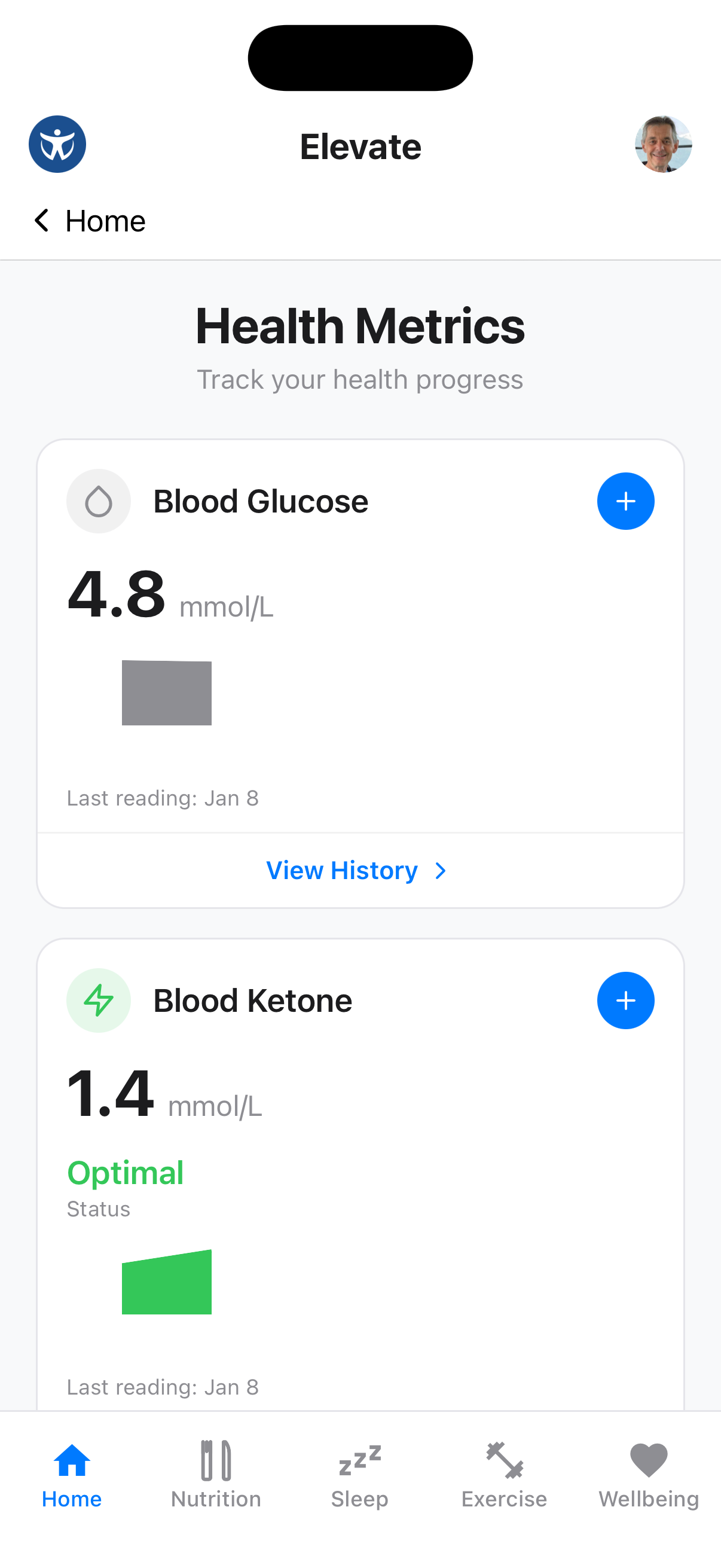
Track your key health indicators and review changes over time.
View Metrics Hub
Tap "View All" in the metrics section to see your complete health dashboard.
Log Your Weight
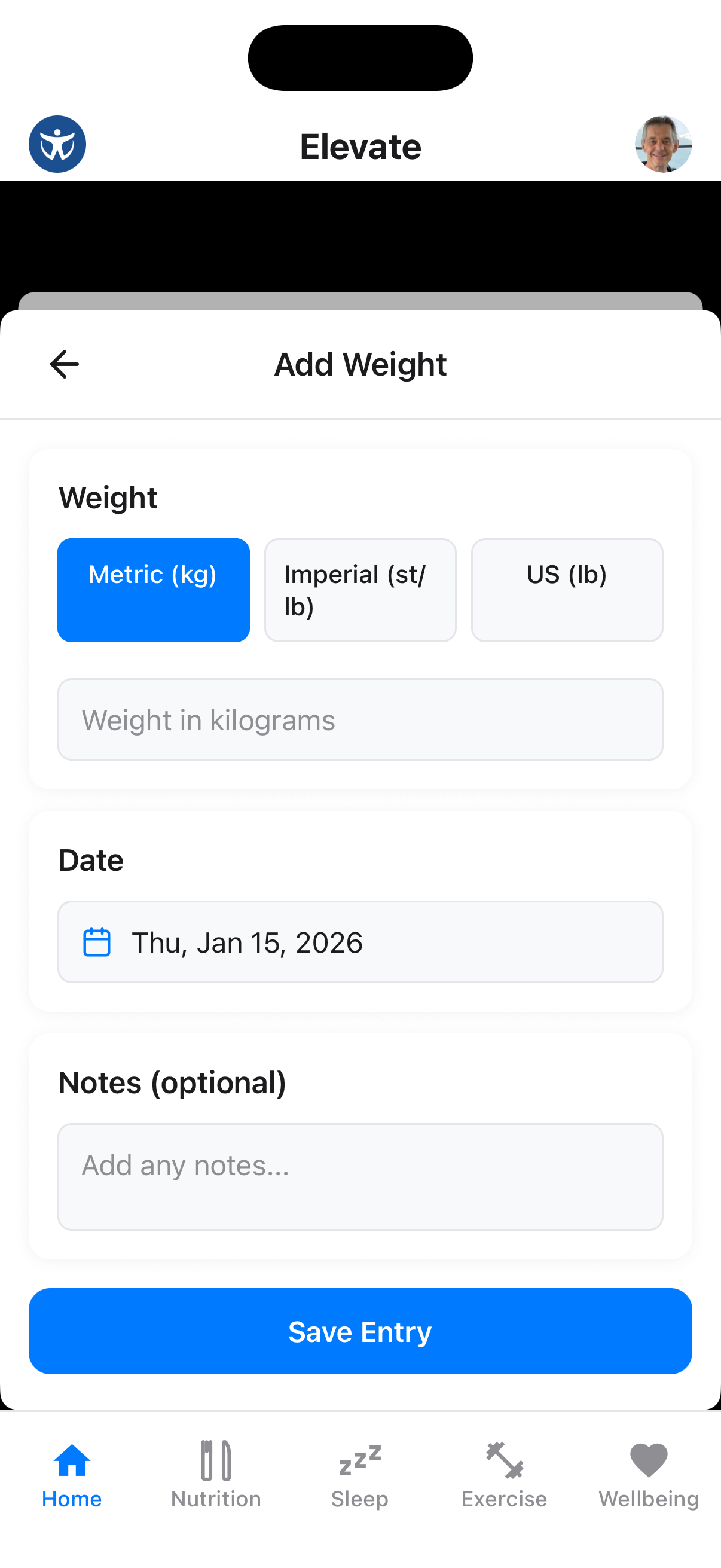
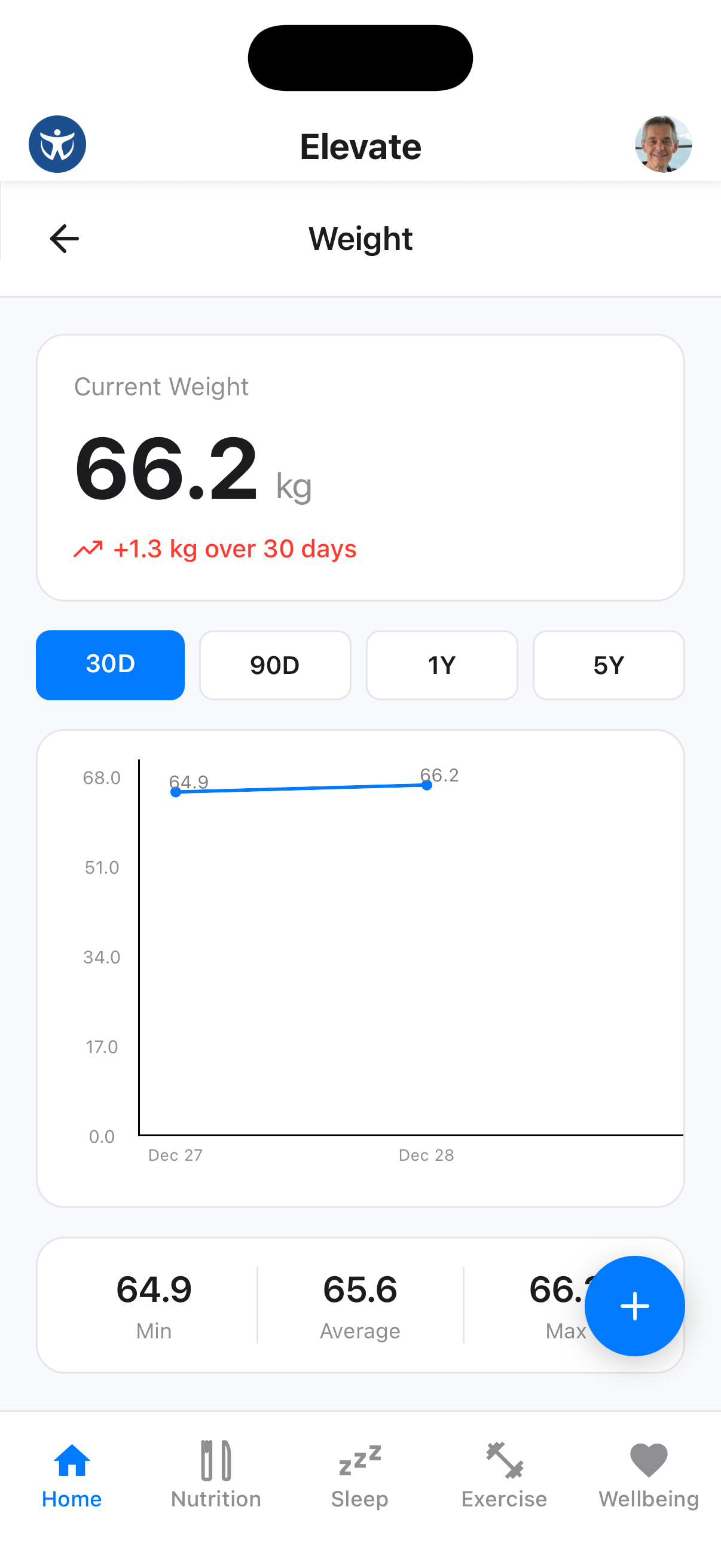
Tap the + button to log a new weight entry. Enter your current weight and save.
View Weight History
See your weight history and trends over time. The chart shows your progress toward your goals.
Waist-to-Hip Ratio
Log both waist and hip measurements to see your waist-to-hip ratio. If you make a mistake, open the relevant measurement history, select the entry and remove it.
Sync Availability Varies
Waist circumference can sync from Apple Health on supported iPhones. Health Connect does not currently provide a native waist-circumference data type, so enter it directly in Elevate on Android.
Sync with Health Apps
Connect Apple Health on iPhone or Health Connect on Android under Profile → Health App Integration to sync supported metrics.