Wellbeing used to be a tab of trackers. In Elevate AI it's a few seconds away whenever you need it: say how you feel, and Elevate suggests something that fits. It notices how you felt before and after, and over time it shows which practices help you most.
I'm wound up. Anything quick?
Try a minute of 4-7-8 breathing. I'll pace you.
Breathe and meditate
- Breathe: + → Do → Breathe. Choose a pattern, such as box, 4-7-8, gentle belly or slow breathing, a length, and a pace. It's paced on screen and by gentle vibrations. Pick a scene and sound, such as Quiet Coast, to mix sea, music and voice cues.
- Meditate: + → Do → Meditate for recorded sessions or an unguided timer.
Afterwards Elevate asks How do you feel now? so it can learn what helps.
Breathe
Paced on screen and by vibration.
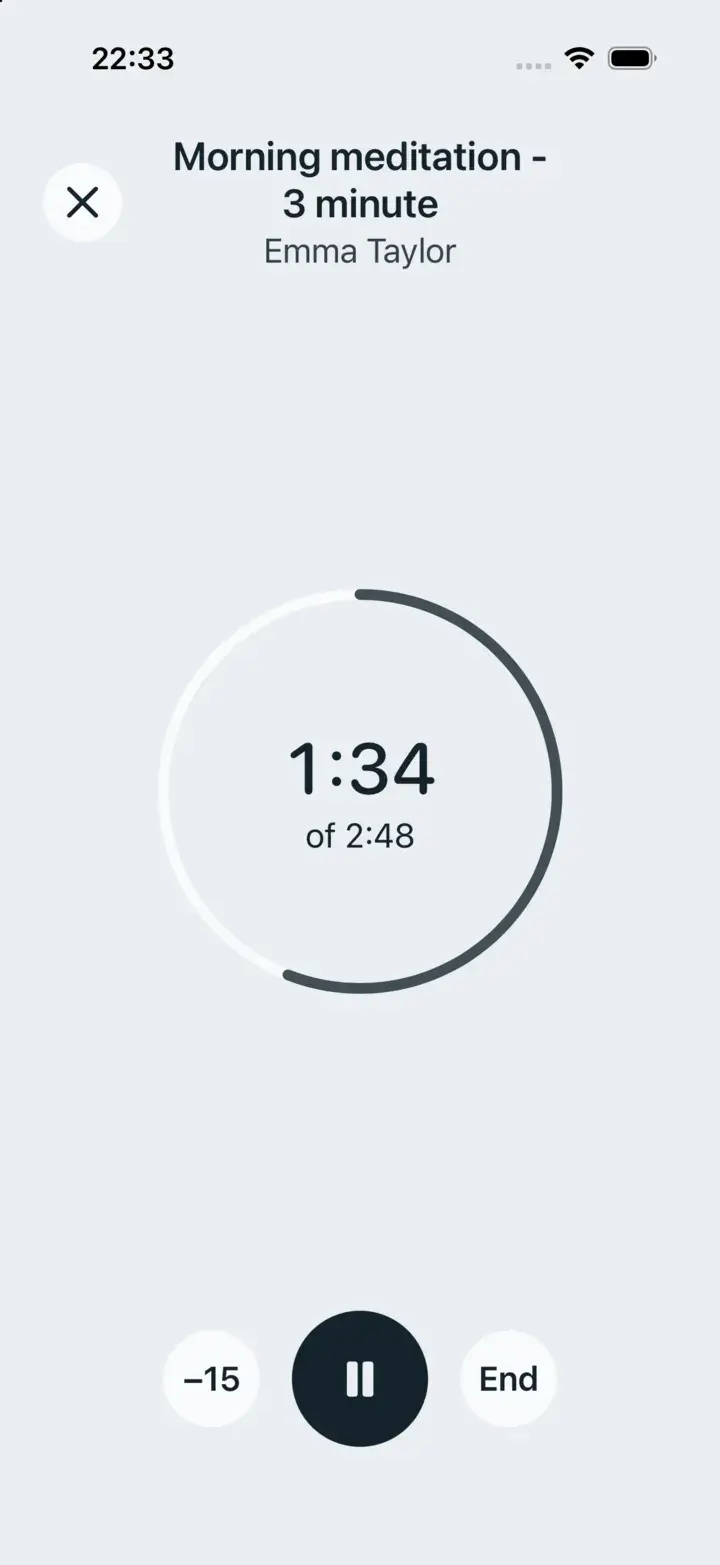
Meditate
Recorded sessions and an unguided timer.
Mood and gratitude
Just say it: “My mood today is a 6, tired but OK” or “Today I'm grateful for a long walk with my sister.” The + → Log → Mood and Gratitude shortcuts start the sentence for you. Your history lives in + → Do → Wellness, under Practice history and patterns.
Turn reminders on, and set how many mindfulness sessions you aim for each week, in Me → Preferences → Wellbeing.
Learn, without searching
Elevate has its own library of evidence-based articles and short videos on food, sleep, movement, wellbeing and time in nature, with references you can follow.
- Ask in your own words. “I keep getting an energy slump after lunch. Is there anything I should read?” Elevate finds the pieces that answer it.
- Browse. + → Look → Learn opens the library by topic, with Pick up where you left off.
- Listen like an audiobook. Many articles are narrated, at the speed you choose, and keep playing when you lock your phone.
- Watch with captions. Short videos play full screen and are marked as watched when you finish.
Tune topics, length and the daily suggestion in Me → Preferences → Reading.
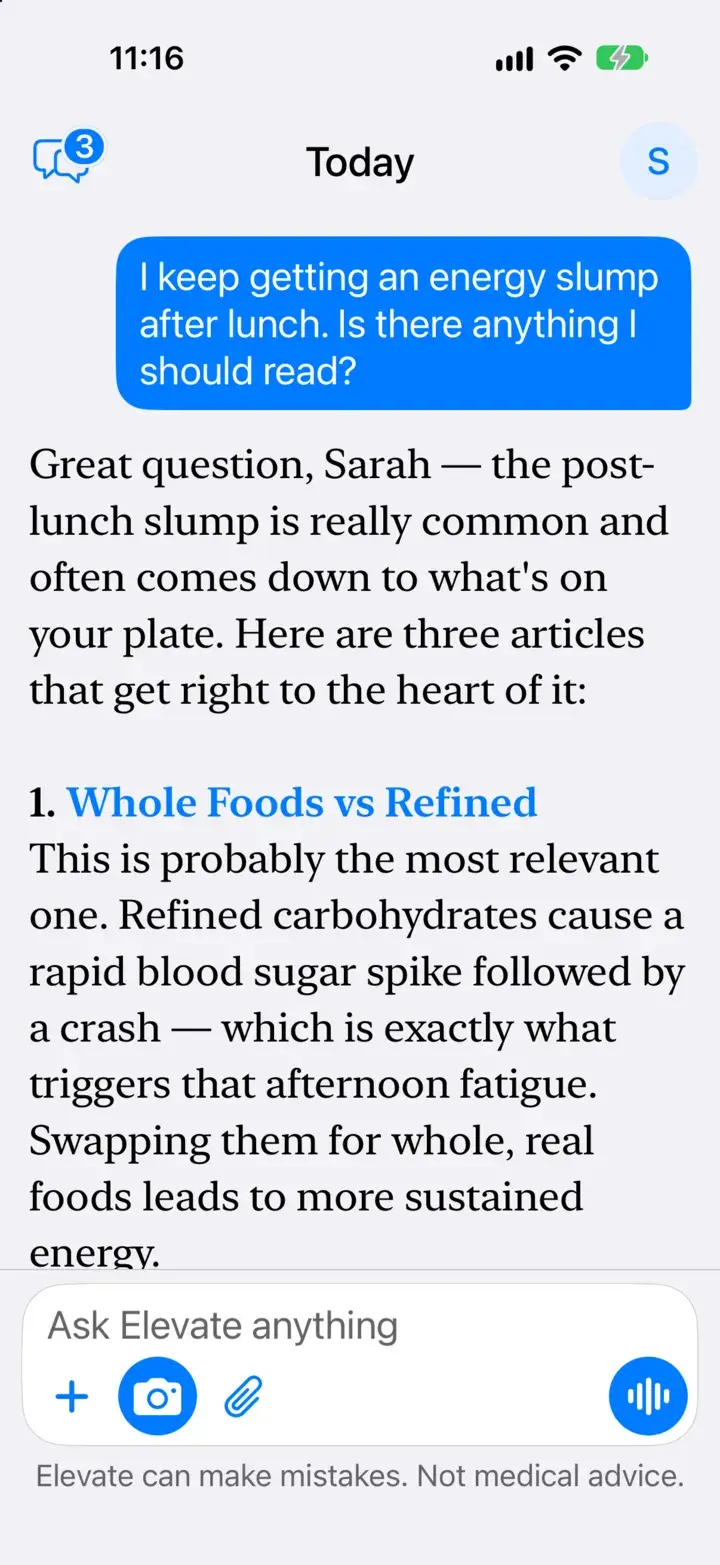
Found from a question
Three articles, and why each is worth your time.
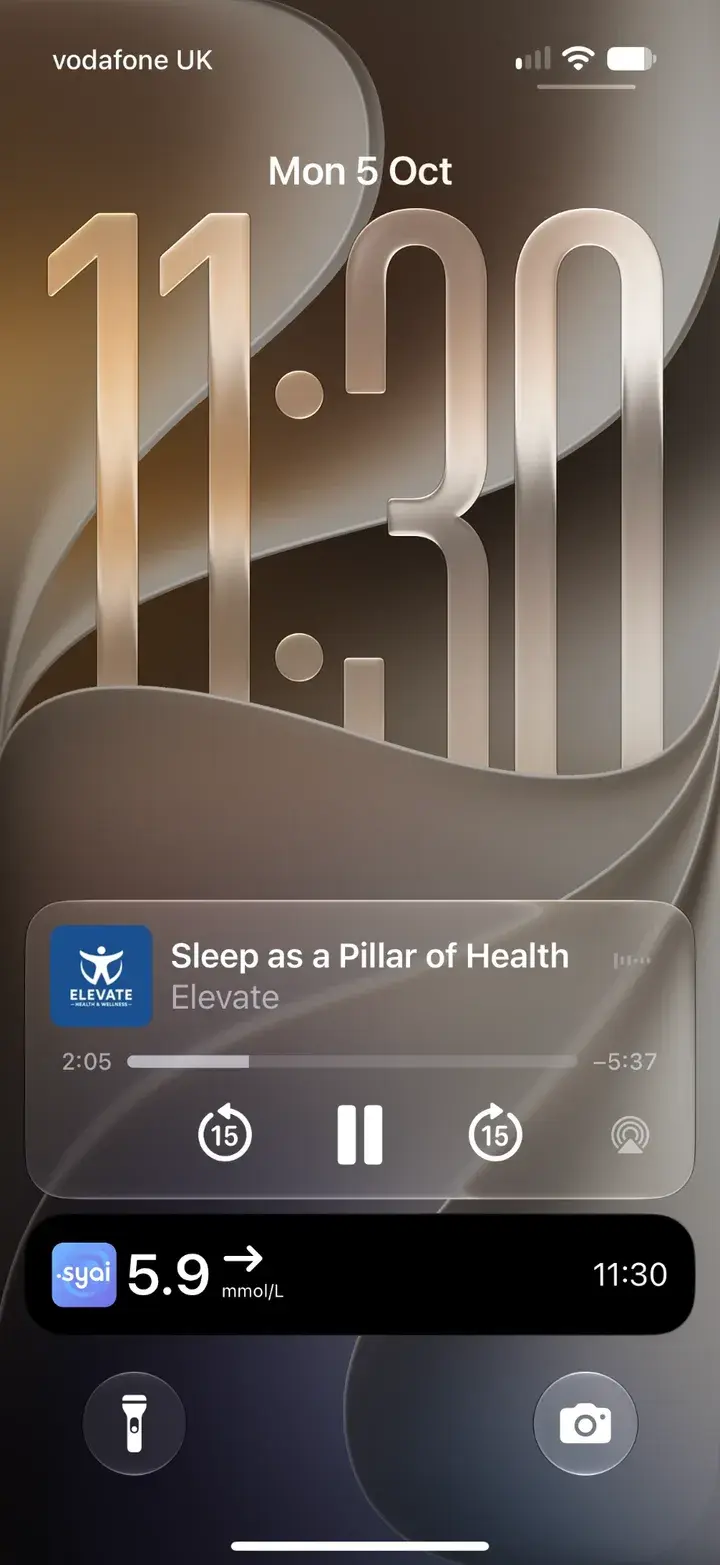
Keeps playing when you lock
Lock-screen controls, like any audiobook.
Your coach and community
Tap the bubbles icon at the top left of Today for Conversations: Elevate, your coach, groups and direct messages in one list. New members can say hello in General, find more with Find groups, and share recipes and articles into any chat. Elevate never reads your messages with people.
On Android
Breathe, Meditate, Wellness, mood and gratitude, Learn and Conversations all work on Android, along with reminders and message notifications.
If you're struggling
Elevate isn't a crisis service. If you feel unsafe or need urgent support, contact your GP, call NHS 111, or call Samaritans free on 116 123.